
 Cart is empty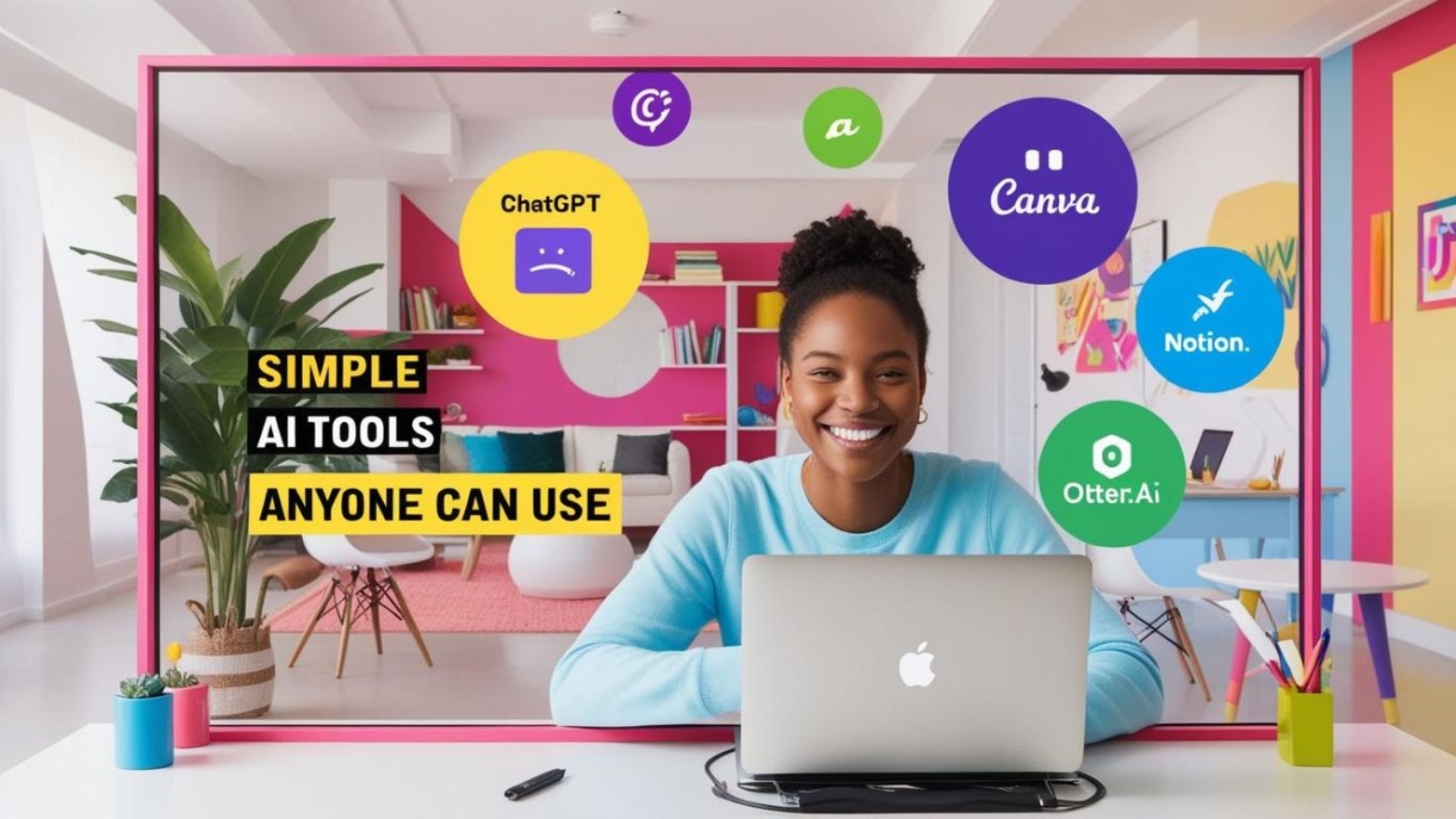
Let’s be real— When you hear AI tools for beginners do you imagine some nerd in a hoodie typing matrix code on 3 screens?
Same. 😅
But guess what?
AI isn’t just for tech bros and Silicon Valley geniuses anymore.
It’s for moms, freelancers, small biz owners, teachers, students, and yes—for you.
Even if you don’t know what “API” stands for.
Even if you still Google “how to make a PDF.”
Even if Excel gives you anxiety.
So, if you’ve ever said:
“I’m not a tech person, but I want to use AI…”
This blog is your new best friend. 👇These AI tools for beginners are designed to make everyday tasks easier, even if you have no technical background.
💡 But First—Why Should You Care About AI Tools for Beginners?
Because AI saves time. Period. AI is also changing the workplace, so it’s worth understanding how AI is changing jobs and what these changes could mean for different types of workers
It helps you write better, think faster, create cooler stuff, and even make money (without selling your soul to the algorithm gods).
Whether you run a small business, work a 9–5, or just want to spend less time doing boring tasks—AI is like having a free assistant who never calls in sick.
🤖 7 AI Tools for Beginners Anyone Can Use

1. ChatGPT – Your Brainstorm Buddy
You don’t need to understand coding to use this.
Just ask it anything:
– “Write a caption for my cake shop.”
– “Help me explain AI to my grandma.”
– “What should I post on LinkedIn this week?”
If you want to explore more practical ideas, check out our guide on using ChatGPT and AI tools to make money.
Why you’ll love it:
It’s like Google… but friendlier and way more helpful.
2. AI Tools for Beginners: Canva Magic Write – Design + AI = 😍
Heard of Canva? Most people use it to make Instagram posts or flyers.
Now it has AI built in to help you write the content inside the design.
Need a birthday card message?
A cute Insta quote?
A product description?
Magic Write can do it in seconds. You just edit the vibe.
3. Notion AI – For Organizing Your Chaos
If your digital life looks like a messy closet… Notion AI tools for beginners is like Marie Kondo.
It can help you:
– Summarize long notes
– Plan your week
– Create to-do lists
– Write meeting agendas (without the headache)
And the best part? It speaks normal human language.
4. Otter.ai – Meeting Notes Without Actually Taking Notes
Hate writing minutes or remembering what was said in that Zoom call?
Otter listens, transcribes, and even summarizes your meetings automatically.
It’s like that one coworker who actually pays attention.
5. Remove.bg – Say Goodbye to Background Drama
Ever tried removing a background from a photo and ended up deleting your whole head?
This tool does it in 1 click. No Photoshop, no stress.
Perfect for LinkedIn pics, product shots, or getting rid of that messy room in the background 😅
6. Copy.ai – Quick Writing for Busy People
Copy.ai is perfect when you’re stuck staring at a blank screen.
It helps you write emails, ads, website text, or even a short product pitch.
You just tell it what you’re trying to say, and boom—word magic.
7. Descript – Edit Videos Like a Google Doc
You record a video, and Descript turns your speech into text.
Want to cut out “umm” or a full sentence? Just delete the text—it edits the video for you.
No fancy editing software. No stress. Just click → delete → done.
Descript officially supports text-based video editing, allowing you to edit video by working with its transcript.
🛠️ So… Which One Should You Try First As A AI Tools for Beginners?
If you’re new to AI, these AI tools for beginners are a good place to start. Choose the tool based on the task you want to make easier rather than trying everything at once. Here’s a quick cheat sheet:
| Your Goal | Try This Tool |
|---|---|
| Write stuff fast | ChatGPT, Copy.ai |
| Make designs | Canva Magic Write |
| Organize life | Notion AI |
| Remove photo background | Remove.bg |
| Edit video easily | Descript |
| Take meeting notes | Otter.ai |
As you experiment with these tools, remember that responsible use of AI matters too. Always check important information and avoid sharing sensitive personal or business information with AI tools.
💬 Let’s Talk in the Comments
I’ve got a question for you 👇
Which one of these AI tools are you excited to try first?
Or do you already use any of these?
Tell me in the comments:
- Your favorite
- Your funniest fail
- Or that one task you wish AI could just do for you already
Let’s share ideas—because tech is finally fun again, and you don’t need a computer science degree to enjoy it.
The best thing about AI tools for beginners is that you don’t need to understand complicated technology before getting started. Pick one tool, try it on a simple task, and learn as you go.
Want a part two with even more beginner-friendly tools? Just say the word. 🙌
#AITools #NonTechie #WorkSmarter #DigitalLife #LifeHacks #ProductivityTools #Canva #ChatGPT #BeginnerFriendlyAI
Good https://is.gd/tpjNyL
Good https://shorturl.at/2breu
Very good https://lc.cx/xjXBQT
Good https://lc.cx/xjXBQT
Good https://lc.cx/xjXBQT
Good https://t.ly/tndaA
Awesome https://t.ly/tndaA